1. Install Raycast by navigating to their
website. Download and install the app.
2. Go to our
Raycast extension page and click "Install Extension"
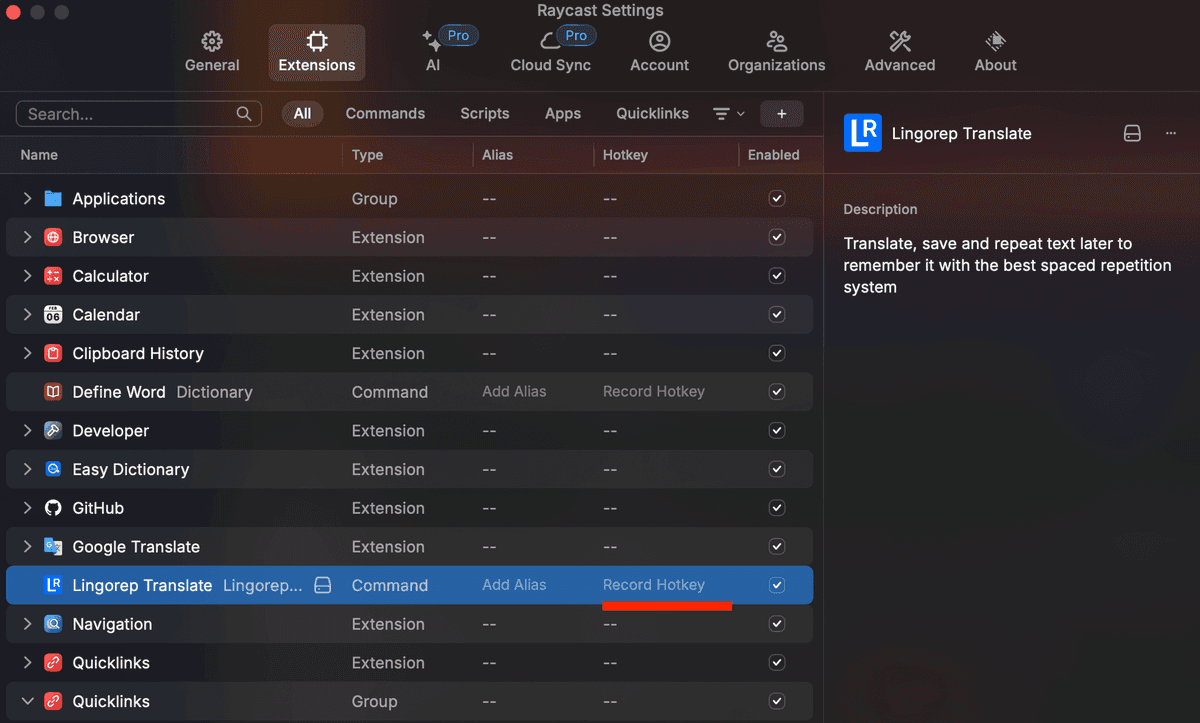
3. Open Raycast (e.g. via Finder) and configure the hotkey for the LingoRep extension:
• Type `LingoRep Translate` and select the command
• Click `Configure Command` as shown in the screenshot below
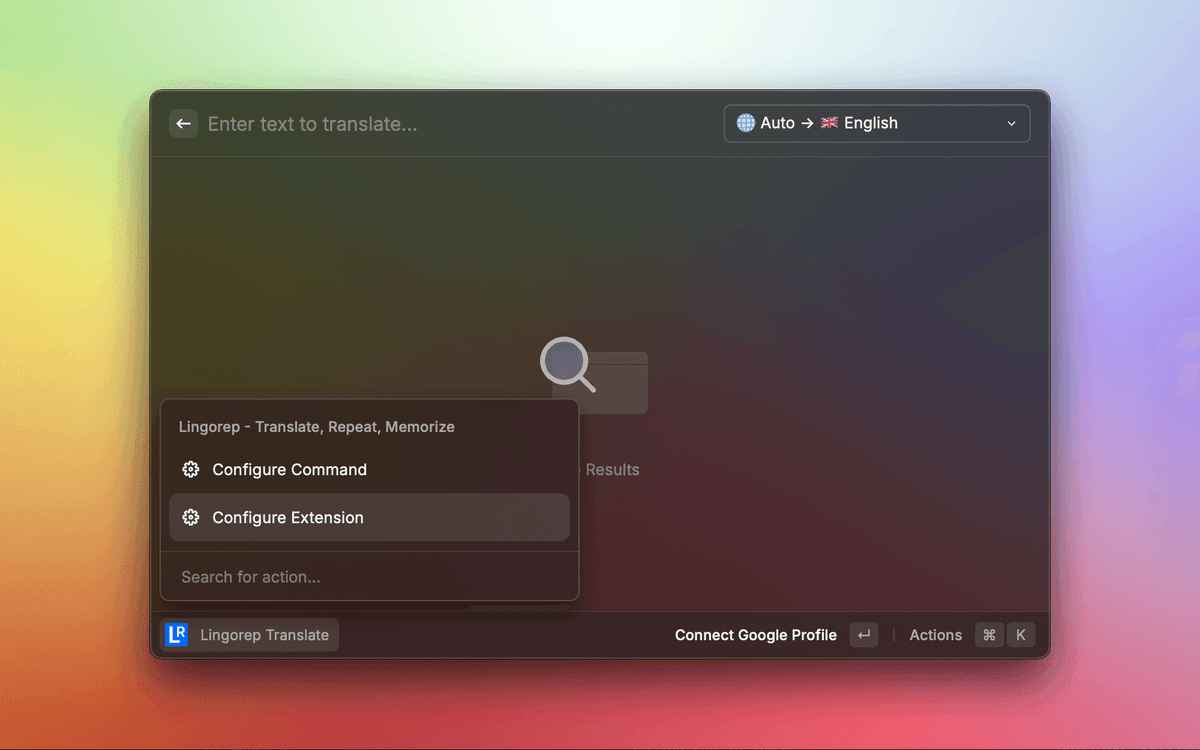
• Set the hotkey you want to use for translation